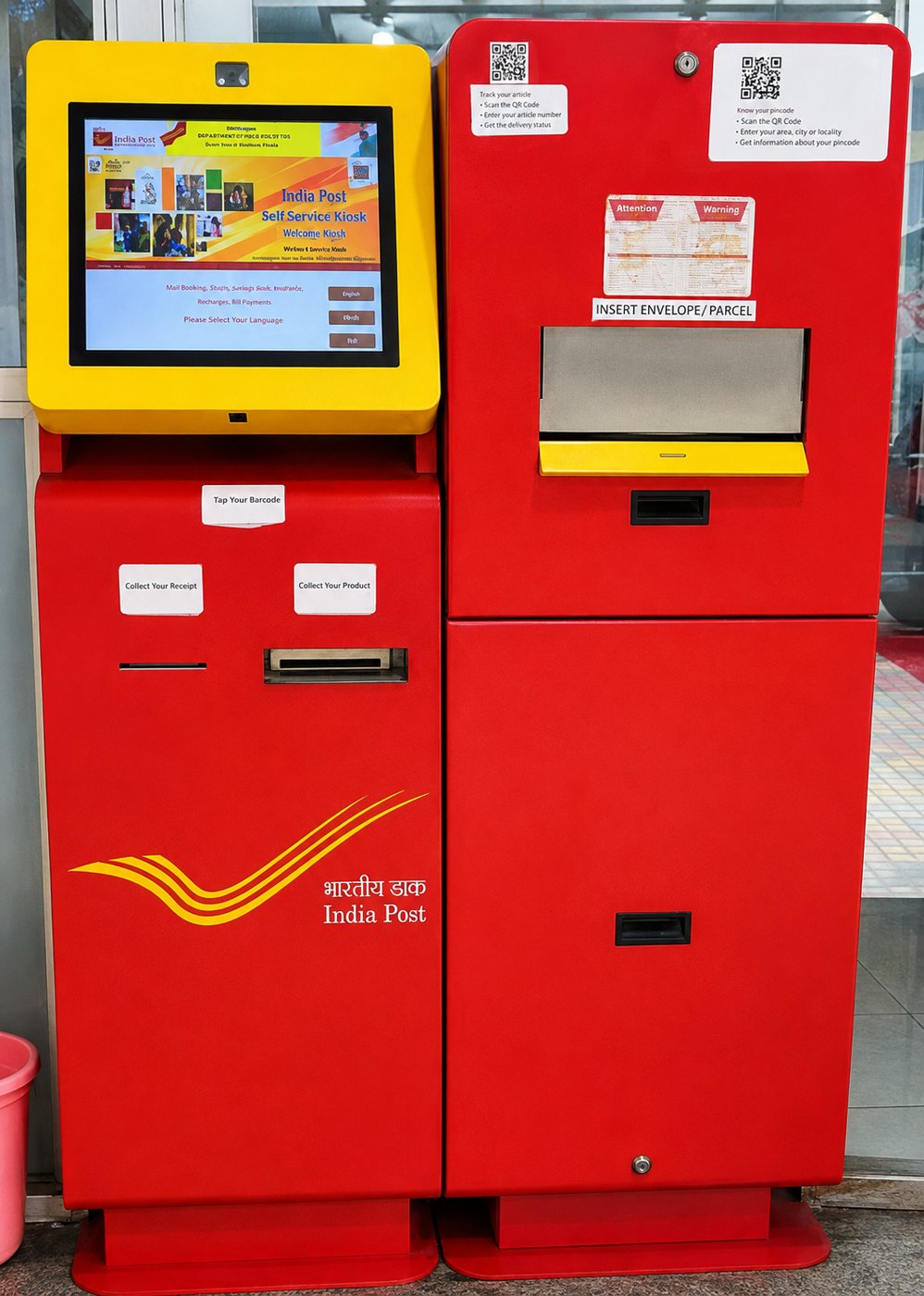
Turning a post-office counter
into a 24×7 digital transaction.
India’s Self-Service Postal Booking & Automated Parcel Acceptance Kiosk automates the complete booking-to-deposit process — address capture, service selection, weighing, payment and secure parcel acceptance.
At present, when a customer visits a post office for Registered Post, Speed Post or Parcel services, the customer generally has to approach an operator. The operator asks for the purpose/type of service, enters the sender and receiver details, determines the applicable PIN code and service category, calculates the postage, prints the required label/sticker and completes the booking process.
Our Self-Service Post Office Kiosk automates this entire process.
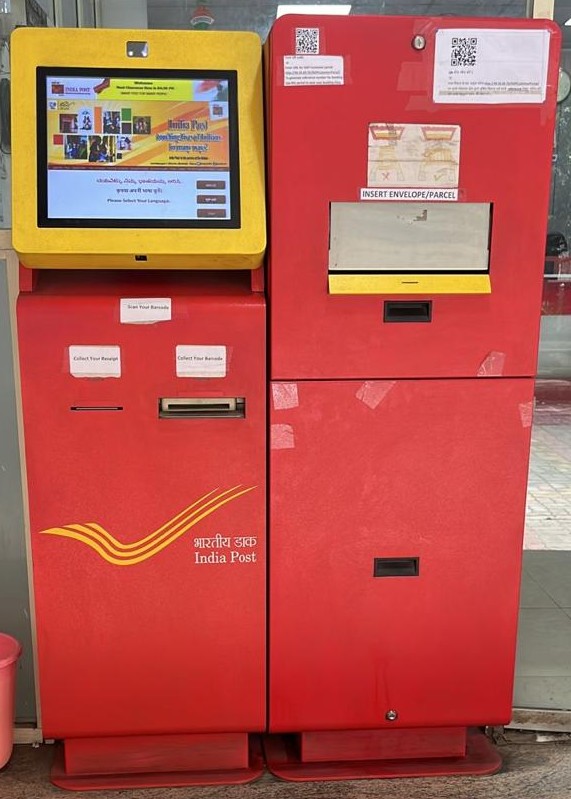
1. Select Postal Service
The customer approaches the kiosk and selects the required service, such as:
- Speed Post
- Registered Post
- Parcel
- Other available postal services
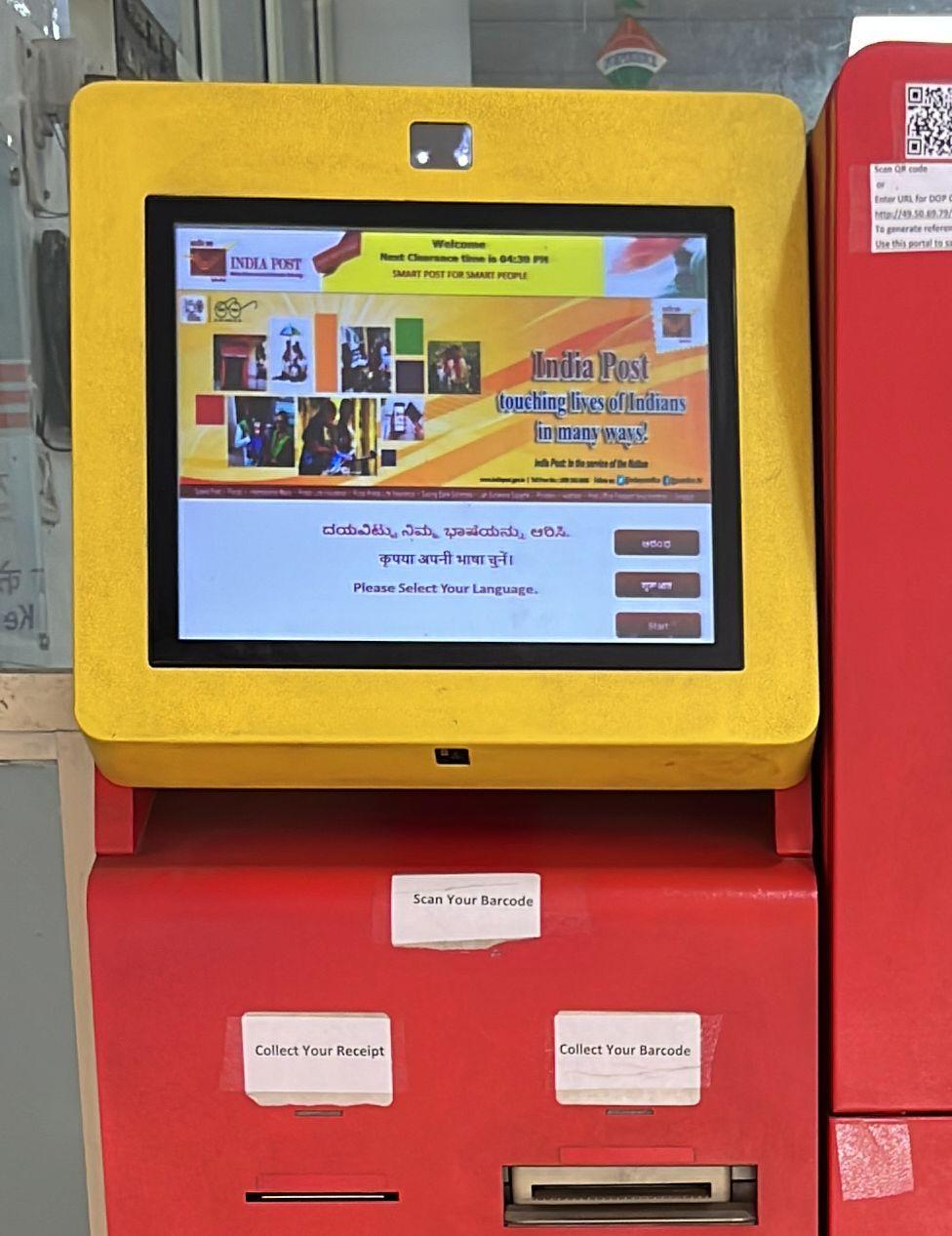
2. Enter Sender & Receiver Details
The customer enters:
- Sender name and address
- Sender PIN code
- Receiver name and address
- Receiver PIN code
- Mobile number
- Other required information
The system validates the PIN codes and determines the applicable postal service and tariff.
3. Generate Barcode/Service Label
After confirming the details, the kiosk generates a unique barcode/service slip through the integrated barcode printer. The customer sticks this label on the envelope/parcel.
4. Scan the Parcel
The customer scans the barcode attached to the envelope/parcel at the kiosk. The system retrieves the transaction details and activates the parcel acceptance mechanism.
5. Automatic Shutter & Weighing
The kiosk automatically opens the shutter and provides access to an integrated weighing platform/scale. The customer places the envelope/parcel on the weighing scale. The system automatically captures the weight.
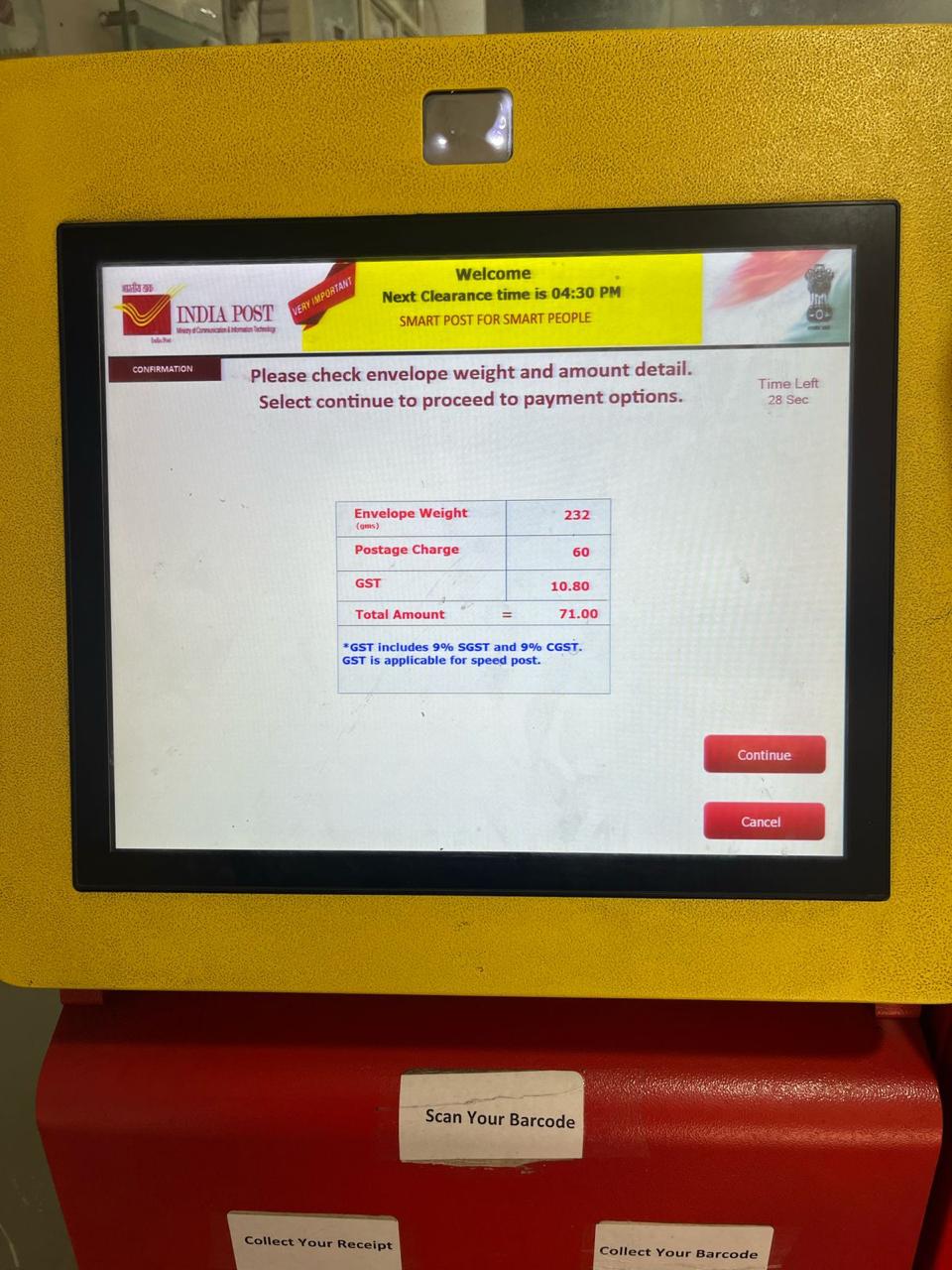
6. Automatic Postage Calculation
Based on:
Service Type + Origin PIN Code + Destination PIN Code + Weight
the system calculates the applicable postage/fare. The payable amount is displayed on the screen.
7. Digital Payment
A dynamic QR code is displayed on the kiosk screen. The customer scans the QR code using UPI/mobile banking and completes the payment.
8. Payment Verification & Secure Acceptance
After successful payment:
Payment Success → System Verification → Shutter/Drop Mechanism Activated → Parcel Accepted
The envelope/parcel is automatically deposited into the secure collection compartment. If payment is unsuccessful or not received within the permitted time:
Payment Failure → Parcel Not Accepted → Parcel Returned to Customer
This prevents unpaid articles from entering the collection box.
The kiosk effectively converts a conventional post-office counter transaction into a 24×7 self-service digital transaction, subject to the operating hours and security arrangements of the particular post office. It reduces:
- Counter workload
- Customer waiting time
- Manual data entry
- Manual postage calculation
- Human errors
- Cash handling
- Queue congestion
while providing a more standardized and traceable postal booking process.
The solution has already been implemented at approximately 70 locations across India, including deployment at Gol Dak Khana (General Post Office), New Delhi.